Why does our team start every task with the PRD?
We never begin a new feature by just talking about it or sharing vague ideas. Instead, we open the PRD first and outline the conditions, flows, exceptions, and user states for that feature. With a PRD, everyone on the team understands the feature the same way.
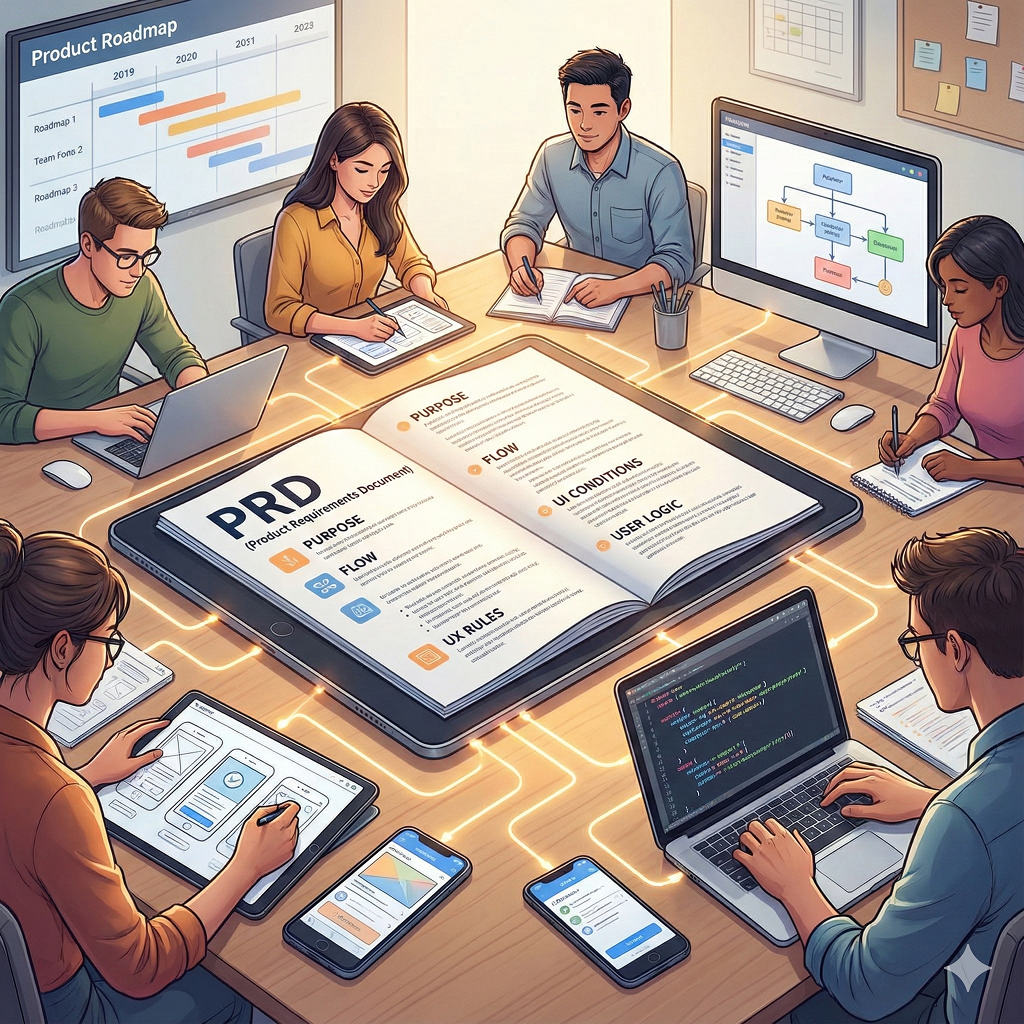
When building apps or websites, we always keep the PRD visible on one side of the screen. Whether we’re defining a feature, reviewing a design, or implementing logic, we constantly reference the PRD to confirm: “Is this work aligned with the original intent?”
The PRD is both the starting point and the ongoing point of reference.
What happens when someone on our team has a new feature idea?
When a new idea comes up, we don’t jump straight into design or development. We revisit the PRD and clarify the purpose and intent of the feature.
This helps us understand:
- Whether the feature is simple or condition-heavy
- Which existing features it connects to
- Whether it introduces potential conflicts
- Whether it actually solves the user problem
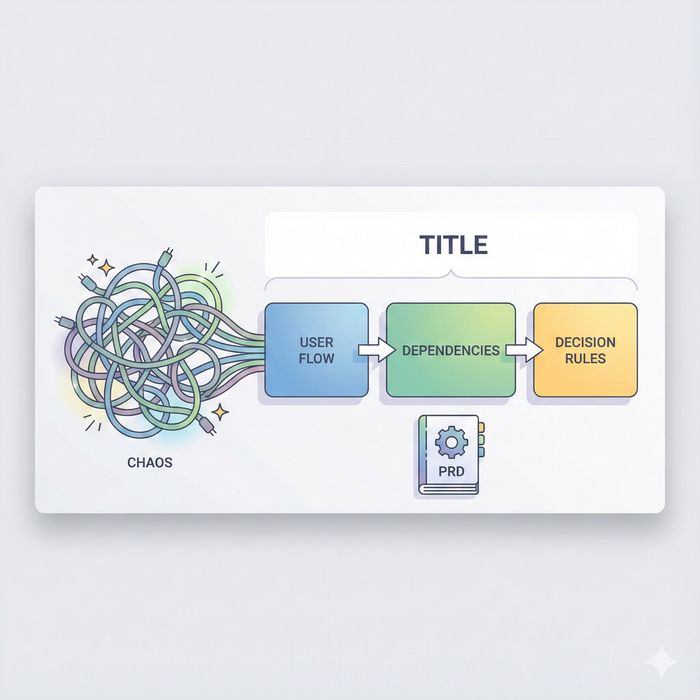
The PRD forces us to organize ideas structurally rather than emotionally. Even a vague idea becomes clear once documented — the scope becomes defined, and the required UX and flow reveal themselves naturally.
What role does the PRD play during the design phase?
During design, the PRD stays open the entire time. Designers create layouts and components, but the behavior — how screens change, what buttons appear under what conditions, and how the flow reacts to user states — comes directly from the PRD.
The PRD answers critical design questions such as:
- “What information must the user see at this step?”
- “Which states does this UI need to support?”
- “Where should the user be redirected during errors?”
By referencing the PRD, designers consider both UI shape and UX logic together. As a result, the screens naturally follow the intended flow, reducing misalignment later in development.
How do developers use the PRD during implementation?
Developers keep the PRD open from the moment they begin until the task is complete. Building features from screens alone forces developers to guess intent, but the PRD defines exactly how each condition and exception must work.
Developers use the PRD to:
- Understand trigger conditions
- Implement precise logic flows
- Determine user state rules
- Handle exceptions correctly
If a button must appear only for certain users, the PRD documents those exact conditions. This allows developers to code with certainty rather than interpretation.
For us, the PRD isn’t a “reference document” — it is the implementation specification.
How does the PRD support collaboration across roles?
In collaboration, the PRD unifies the perspectives of planners, designers, and developers. Because each role sees the same feature differently, discussions can easily diverge.
But with a PRD, all conditions, flows, and constraints are explicitly defined. When we review features together with the PRD open, discussions like these become much clearer:
- “In what user state should this feature be used?”
- “Do these two features conflict in any scenario?”
The PRD serves as the central anchor of collaboration.
Does the PRD still matter when solving problems or fixing bugs?
Absolutely — the PRD becomes even more valuable during troubleshooting. When users report issues or error logs appear, the first thing we check is the PRD.
If a button isn’t visible, we look up its visibility conditions. This immediately tells us whether the issue is:
- A wrong implementation, or
- A condition in the PRD that needs updating
With a PRD, we avoid guessing and instead determine the cause quickly and accurately. The PRD clarifies the intended behavior, allowing us to compare it with the actual behavior and isolate the discrepancy.
- Conclusion — Why we always keep the PRD open
We keep the PRD open while building apps and websites for a simple reason: It contains the purpose, flow, UX rules, UI conditions, and user logic — all in one place.
By referencing it continuously, we work from the same standard and avoid drifting off course. The more complex the product becomes, the more valuable the PRD grows.
A PRD is not just a document that describes a feature. It is the shared map that ensures the entire team moves in the same direction.