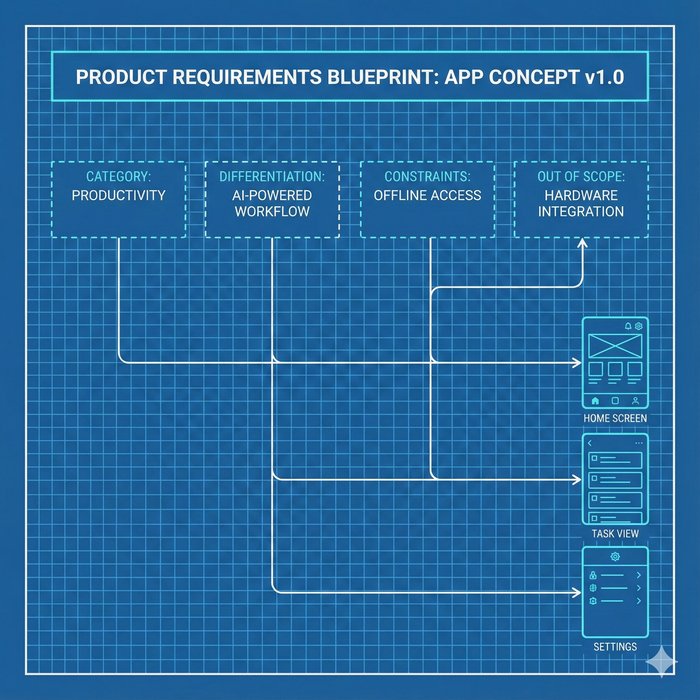
Why do no-code and vibe-coding users start looking for a checklist?
Today, when building apps, the mindset of “Let’s just build it first” feels natural. No-code tools create screens with a single click. You tell the AI what you want, and it builds the feature immediately. For the first few screens, you can move fast without any planning—and this speed makes people move even faster.
But once the app grows from 3 screens → 5 screens → 7 screens, a moment arrives:
“What am I even building right now?”
Flows get tangled. Conditions get missed. You start forgetting where each screen is supposed to lead.
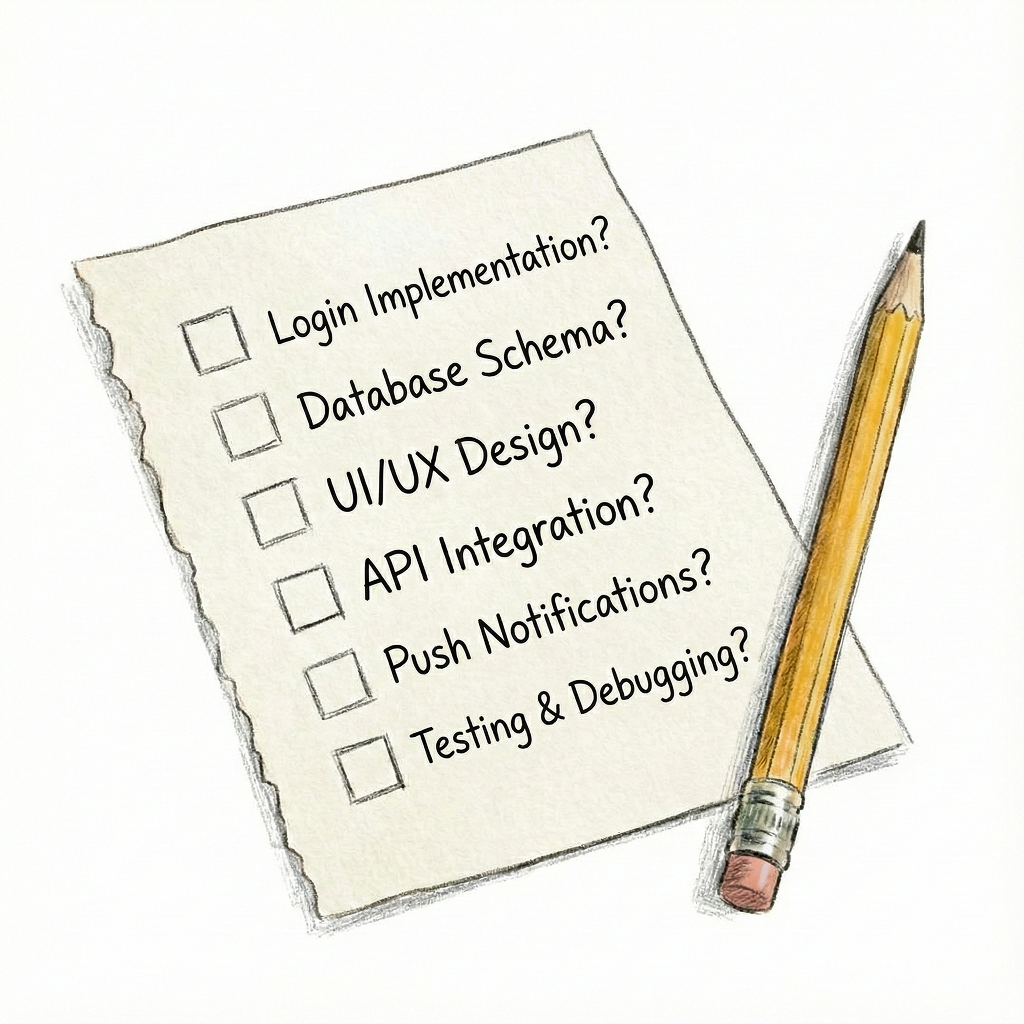
At that moment, people instinctively start looking for a checklist. To answer the question: “What am I missing?”
Why do people miss more when they build faster?
When speed increases, the time available for judgment decreases. And when judgment time decreases, you start skipping things that must be clearly defined.
- How does this screen start and where does it lead?
- What is the flow for a non-logged-in user?
- What exceptions should be handled when a new feature is added?
- What data is required here?
When development relies solely on speed, these essential elements disappear naturally. Fast development makes fast creation possible—but it also creates fast omission. This is why the faster someone builds, the more they need a checklist.
So what is the checklist that every no-code and vibe-coding app needs?
Regardless of the tool or method, every app must have the following items organized:
- A list of required screens and their roles
- Screen-to-screen flow
- Conditions for each feature to operate
- Changes in user states (logged-in / logged-out / permission levels)
- Where data is created and where it flows
- What xception cases exist and how they are handled
- Clear distinction between core features and auxiliary ones
If even one of these is missing, the app’s flow will break or features will inevitably collide. That’s why people who start quickly eventually realize:
“I need a document to organize all this.”
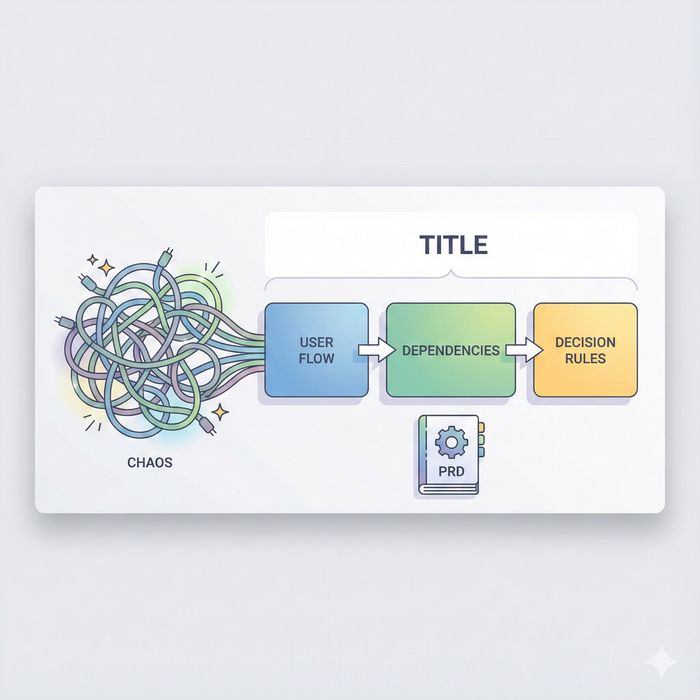
And the surprising truth: this checklist is actually the PRD
Most people imagine a PRD as some kind of difficult, formal document. But in reality, a PRD is not complicated at all.
A PRD simply organizes:
- Screen definitions
- User flows
- Feature conditions and exceptions
- Data structure
- Feature purpose and reasoning
In other words, the “checklist people create to avoid missing things” is just a more structured version of the PRD.
A PRD is not a developer-only document— it is the basic safety device that prevents chaos when building quickly. This is exactly why PRDs become essential in no-code environments.
Why are PRDs even more important for no-code and vibe-coding users?
No-code users can build apps without technical knowledge. That’s the strength—but also the biggest weakness.
The two most common problems non-developers face are:
- They try to remember the entire structure in their head
- They can’t track what changes when a new feature is added
Developers have experience with system design, but no-code users do not. So the PRD becomes a map that shows the entire structure at a glance. As screens multiply and features accumulate, mental memory collapses. This is why no-code builders eventually realize they need a PRD.
Conclusion: In an era of fast building, the PRD is not optional—it is the completion of the checklist
No-code and vibe coding increase speed.
But higher speed makes structural loss more likely. So people search for checklists—and those checklists mirror the exact structure of a PRD.
A PRD prevents confusion before the project becomes too big. It provides a standard before features multiply. And it ensures you don’t lose the flow when making revisions later.
The conclusion is simple:
If you want to build fast, use a checklist— and turn that checklist into a PRD.